Zokei Collective
AI Smart Auto Face Tracking Phone Holder – 360° Rotating Gimbal Stand with Gesture Control for iPhone, Android, GoPro & Vlogging (No App Needed)
AI Smart Auto Face Tracking Phone Holder – 360° Rotating Gimbal Stand with Gesture Control for iPhone, Android, GoPro & Vlogging (No App Needed)
Couldn't load pickup availability
Your Personal AI Cameraman! Always Stay Perfectly Centered in Every Frame
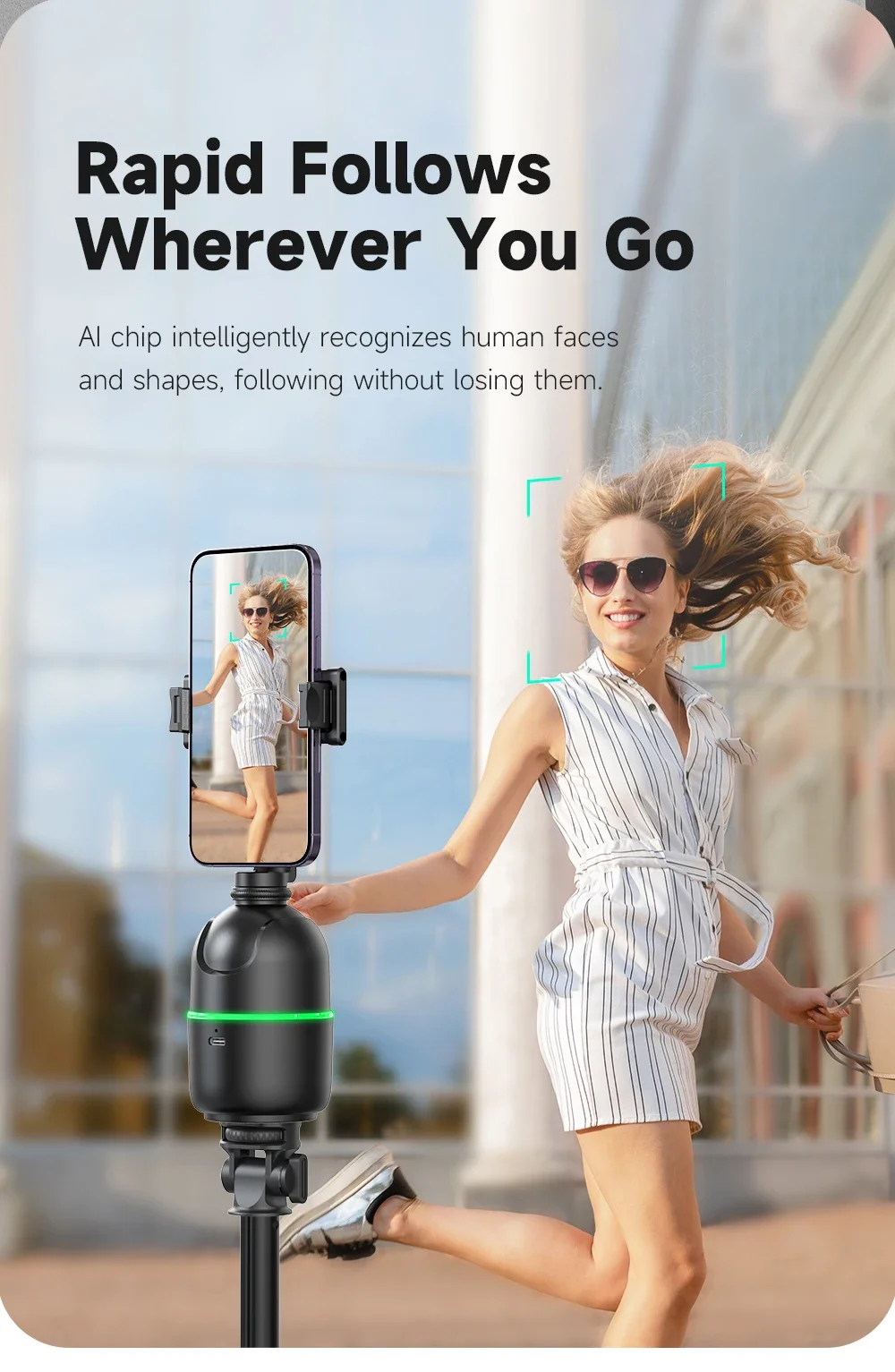
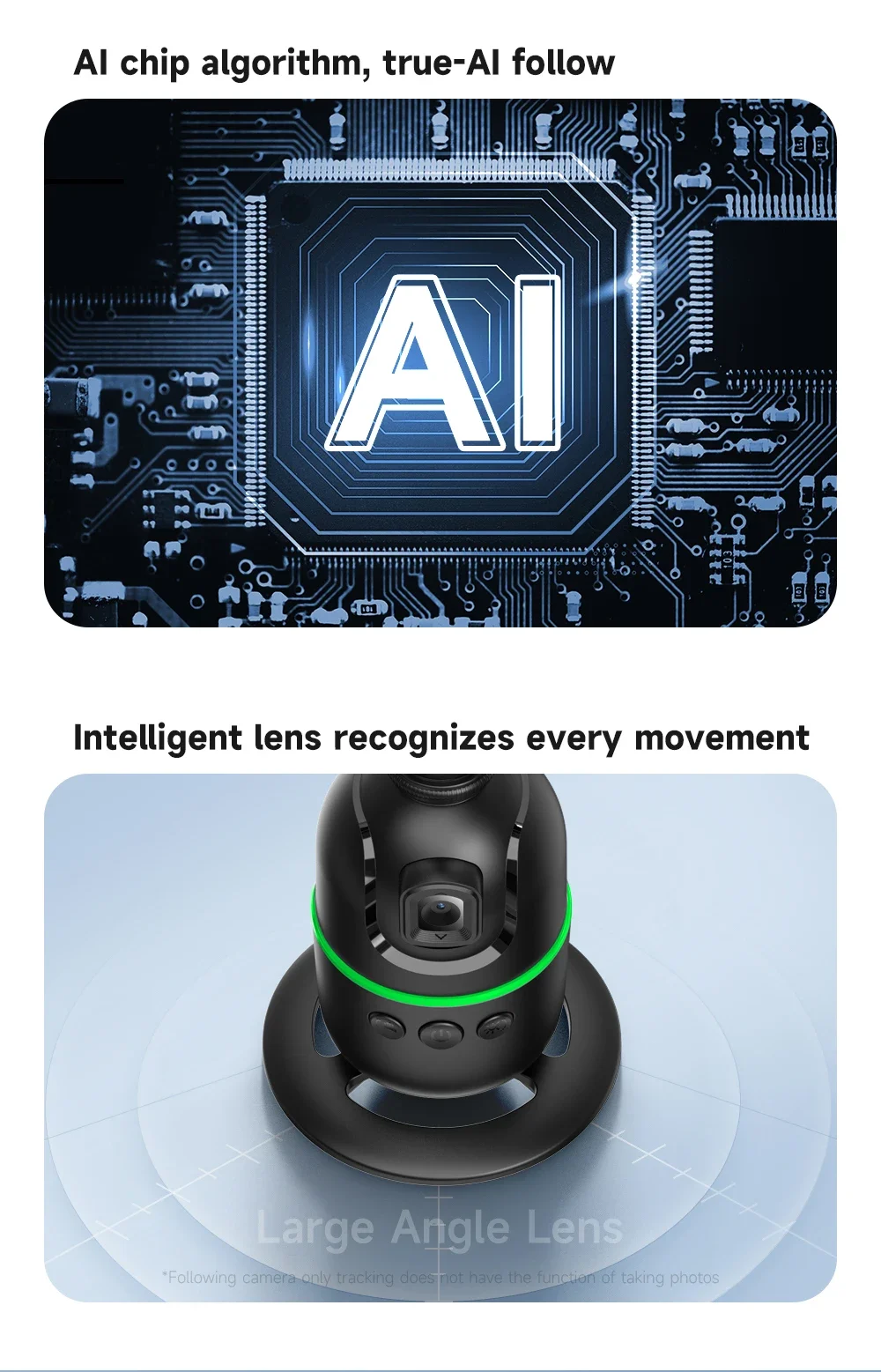
Take your content creation, live streaming, and video calling to professional levels with the P03 AI Smart Auto-Tracking Phone & Camera Gimbal! Featuring an integrated high-precision wide-angle optical sensor and advanced AI facial recognition algorithms, this smart gimbal tracks your face and body smoothly across a full 360° rotation. No cumbersome apps to download and no Bluetooth pairing required—just turn it on and start filming hands-free for TikTok, YouTube Shorts, Zoom meetings, fitness coaching, and vlogs.
Key Highlights:
-
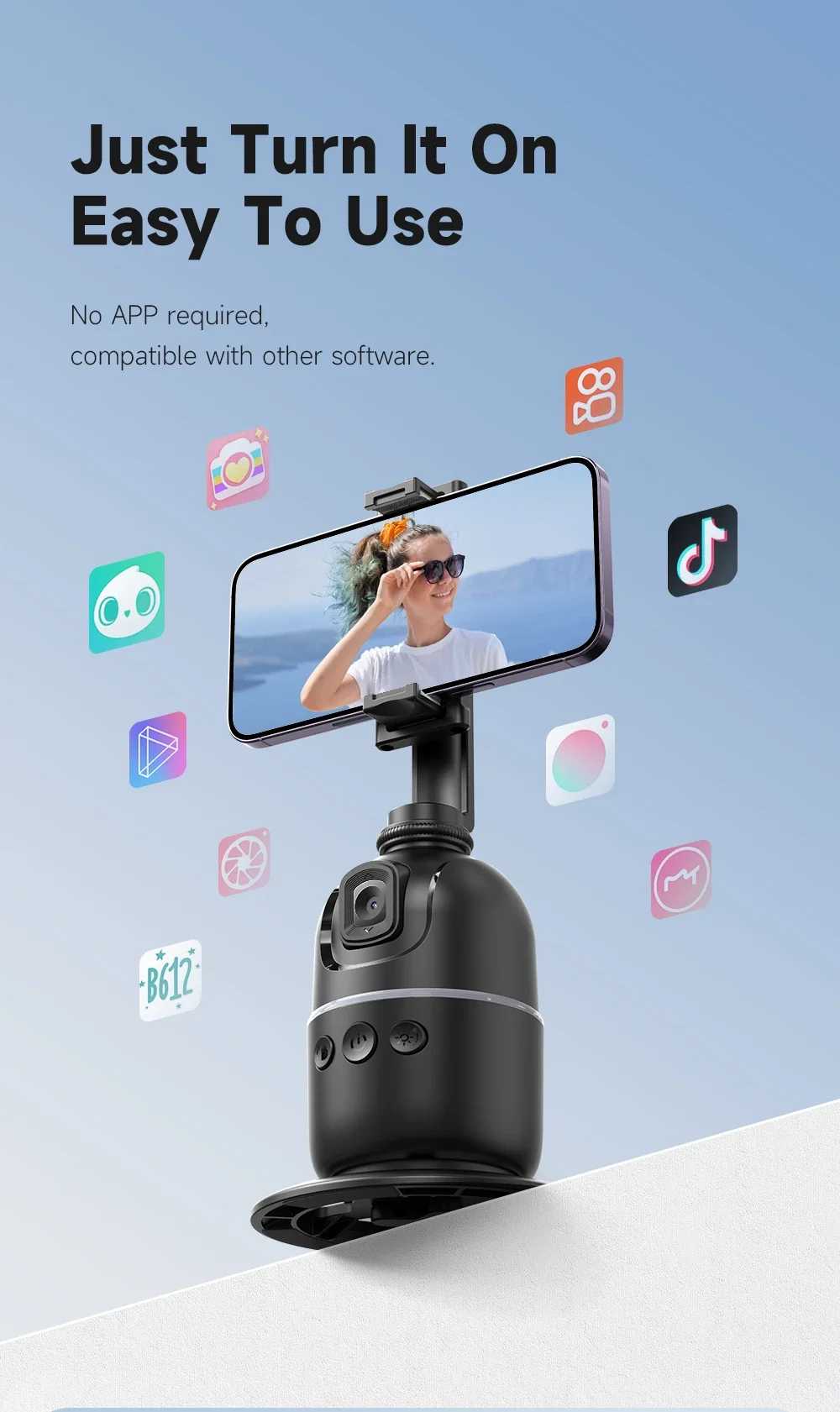
No App or Bluetooth Required: Built-in AI vision camera works instantly out of the box with zero permissions or privacy concerns, compatible with any live-streaming or camera app.
-
Intuitive Smart Gesture Control: Control tracking with simple hand gestures—show the "OK" gesture to start following, or hold up an open "Palm" to pause tracking seamlessly.
-
Smooth 360° Endless Panoramic Rotation: Effortlessly keeps you centered in horizontal landscape or vertical portrait mode as you move naturally around the room.
-
Versatile Multi-Device Compatibility: Securely clamps standard smartphones and includes an action camera mount for GoPro, DJI Action, and Insta360 cameras.
-
Long-Lasting Rechargeable Battery: Built-in 1200mAh lithium battery delivers hours of continuous tracking on a single USB charge.
-
Standard 1/4" Tripod Thread: Easily mount onto tabletop bases or extendable floor tripods for dynamic standing and sitting camera angles.
Specifications:
-
Model: P03 Smart Tracking Gimbal
-
Tracking Technology: AI Optical Facial & Body Recognition
-
Control Mode: Smart Hand Gesture Recognition
-
Optimal Tracking Range: 1 to 3 meters (3.3 to 10 feet)
-
Battery Capacity: 1200mAh Rechargeable Lithium
-
Material: Premium Impact-Resistant ABS + PC
-
Device Mount: Universal Phone Clamp + Action Camera Adapter
-
Base Interface: Standard 1/4" Screw Thread
Package Options:
-
Option 1 (P03 Stand Only): 1 × P03 AI Tracking Gimbal, 1 × Round Desktop Base, 1 × USB Charging Cable, 1 × User Manual
-
Option 2 (P03 Stand + Extendable Tripod): Complete P03 Set + 1 × 131cm Heavy-Duty Extendable Floor Tripod
Easy to operate, supports gesture control
Gesture tips:
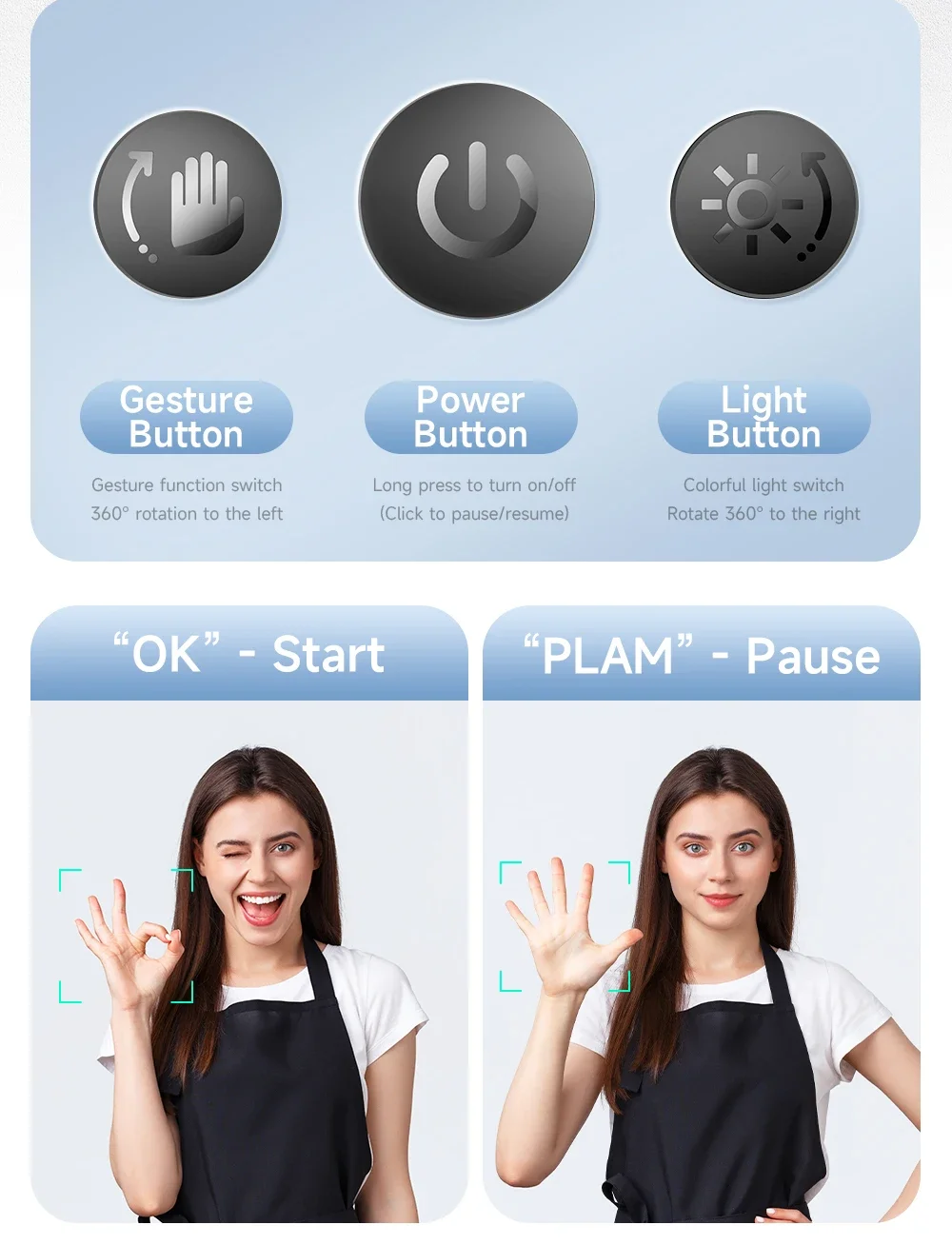
Please long press the power button to turn on the gimbal before using the gesture function.
After power on, the default settings are gesture function and face tracking function on.
"Palm" gesture: Pause face tracking.
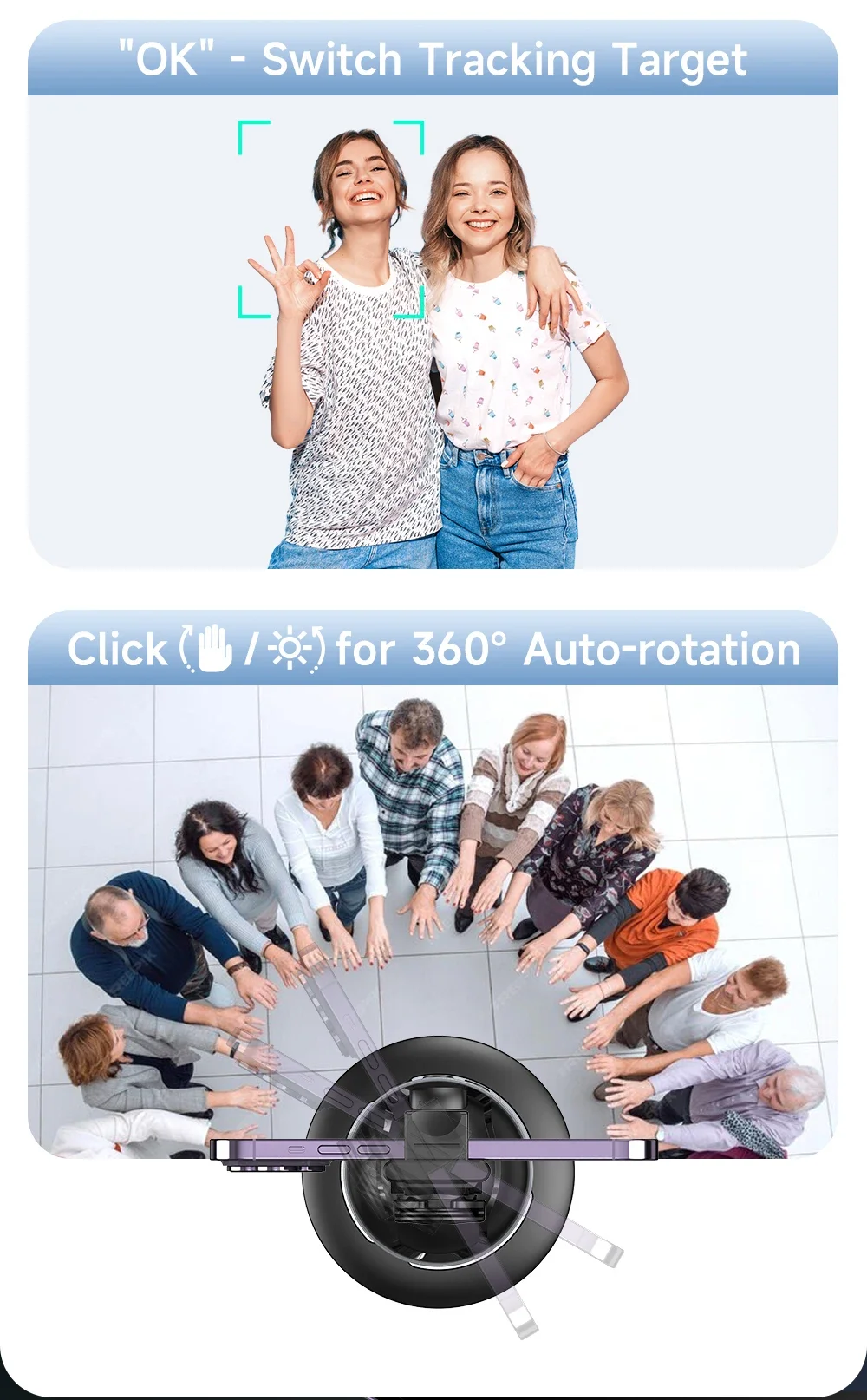
"OK" gesture: Resume face tracking / Switch tracking person.
Automatic Follow Usage:
Press the "Palm" button to enable clockwise 360° automatic rotation
Press the "Light" button to enable counterclockwise 360° automatic rotation
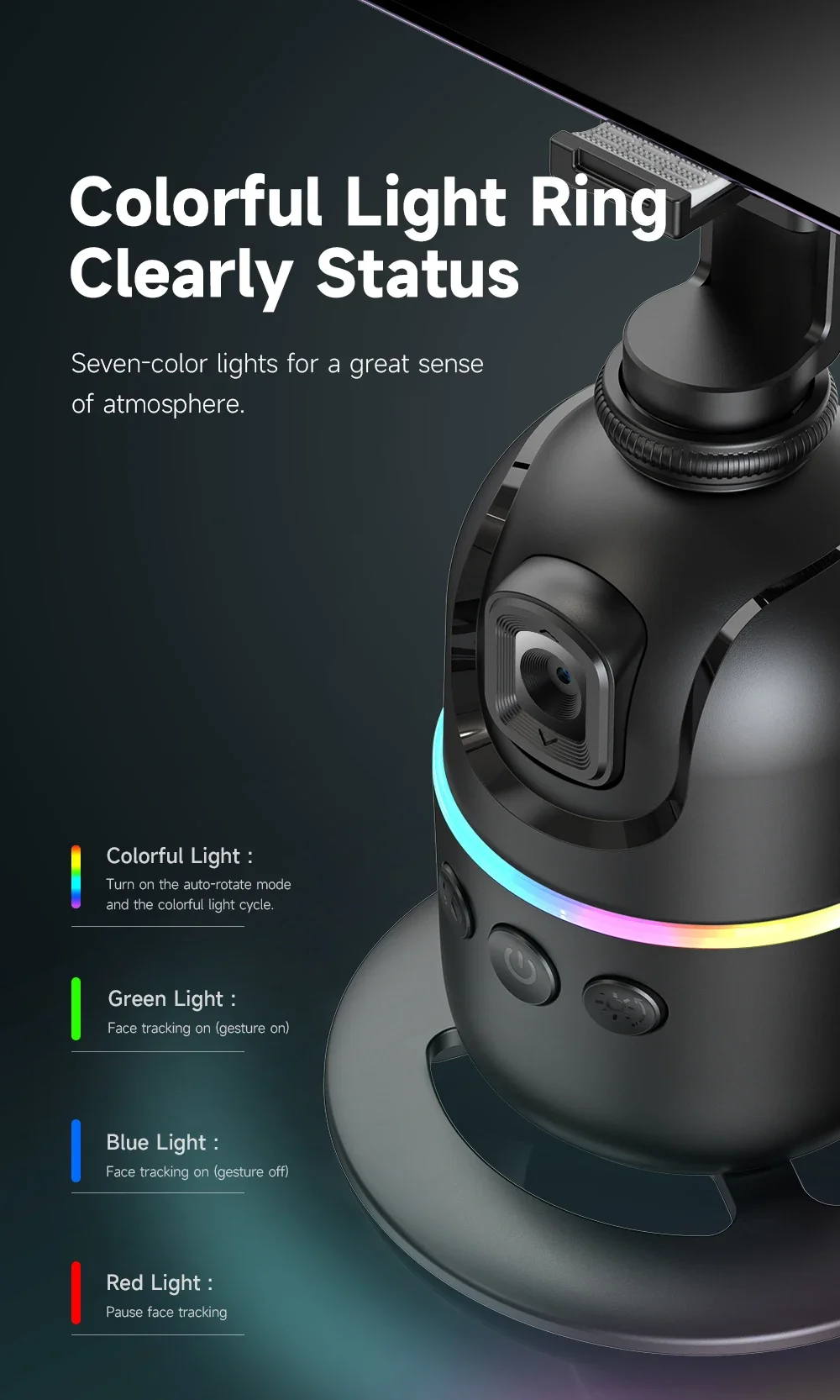
Colorful Light Ring Clearly Status
Colorful Light :
Turn on the auto-rotate mode and the colorful light cycle.
Green Light : Face tracking on (gesture on)
Blue Light : Face tracking on (gesture off)
Red Light : Pause face tracking
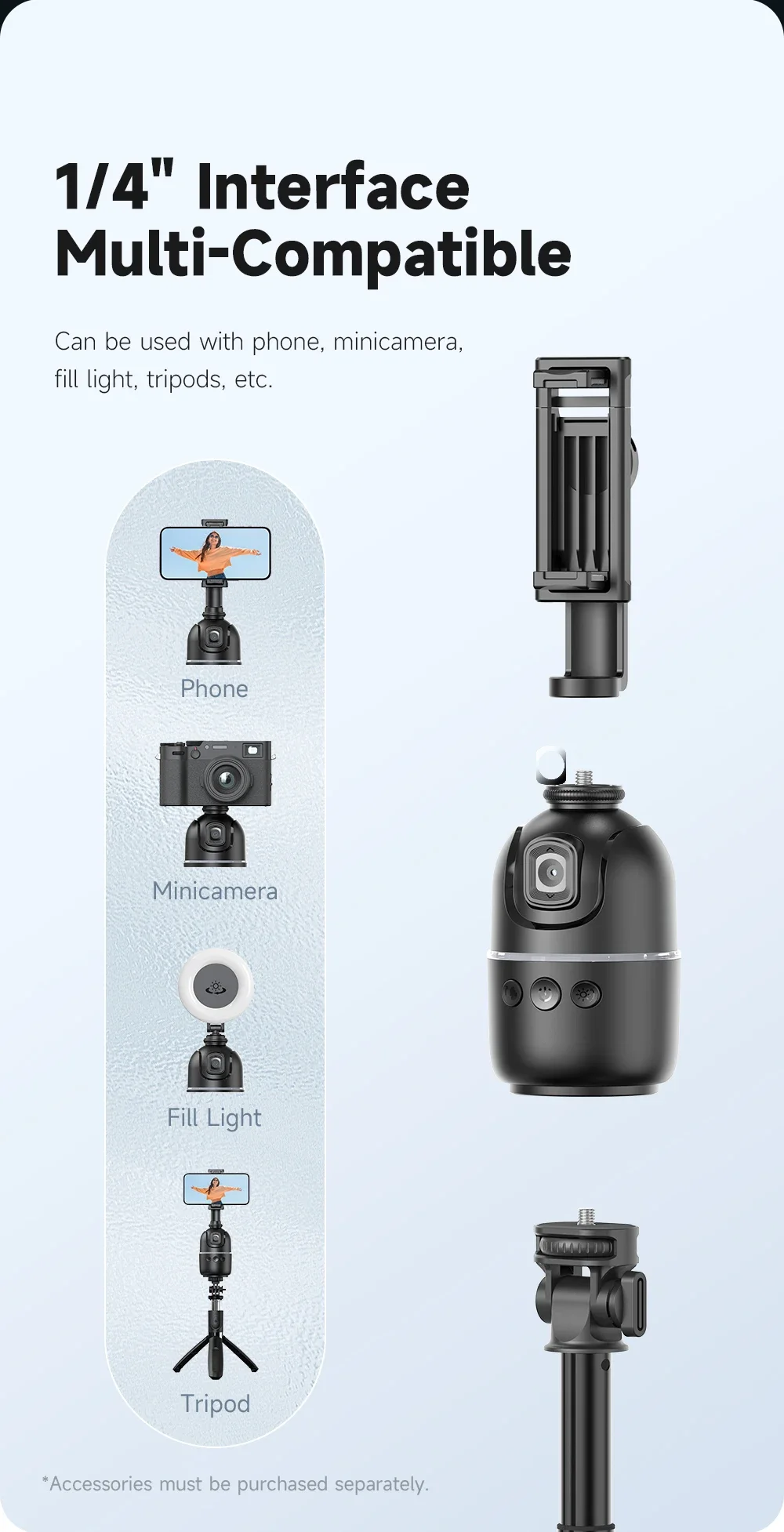
1/4'' Screw Interface and 1/4'' Screw Hole
P03 can rotate and remove the entire phone clip, and then the 1/4 "screw interface will be exposed, which can be used with action cameras and other cameras.
P03 bottom with 1/4 "screw hole, can use with tripod.
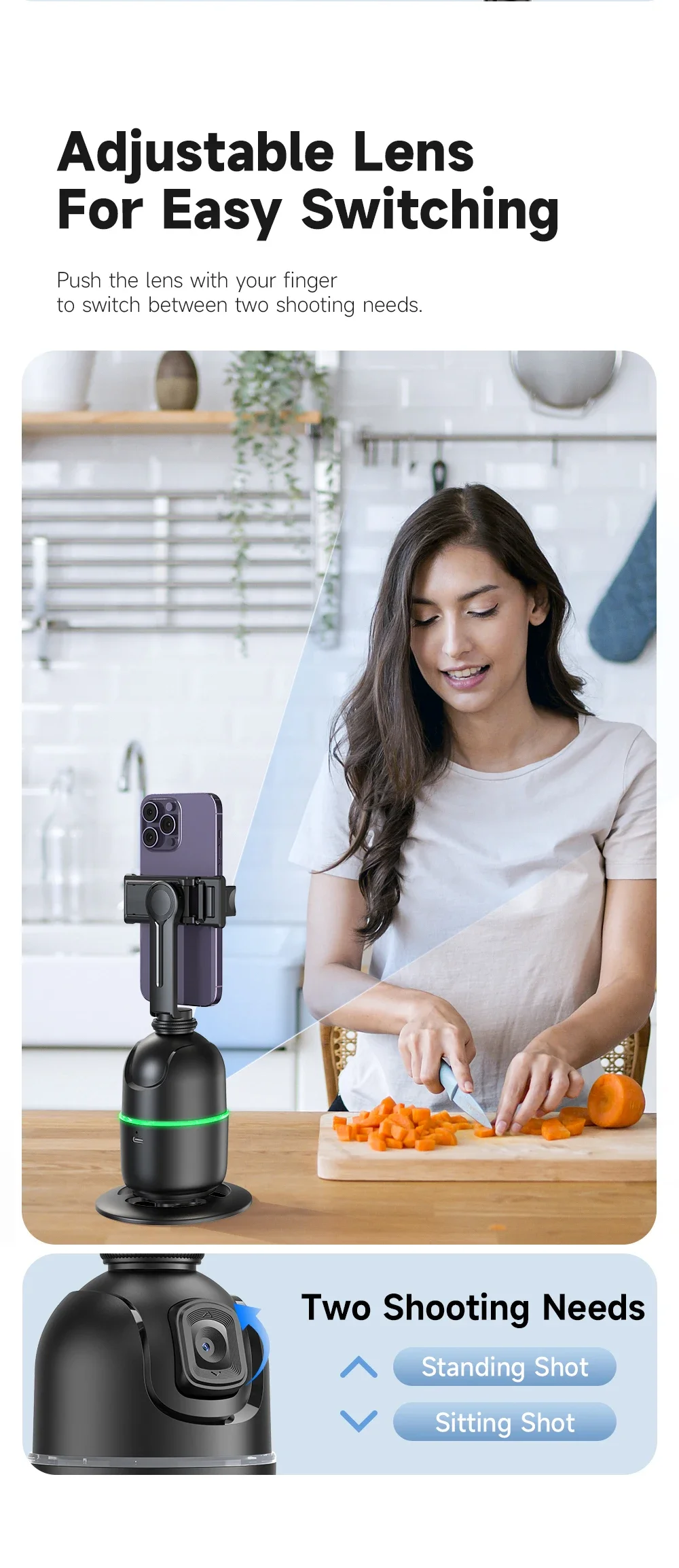
Adjustable Lens for more follow angle
The following function of P03 relies on the lens itself to recognize faces, so when you use it, please adjust the height of the P03 lens and your height so that P03 can capture faces and follow.
If you want to stand and shoot, you need to place P03 in a relatively high position, or use it with a tripod (tripod needs to be purchased separately, you can contact our customer service about that), or adjust the lens angle of P03 upwards.
Easilt push the lens with your finger.