Zokei Collective
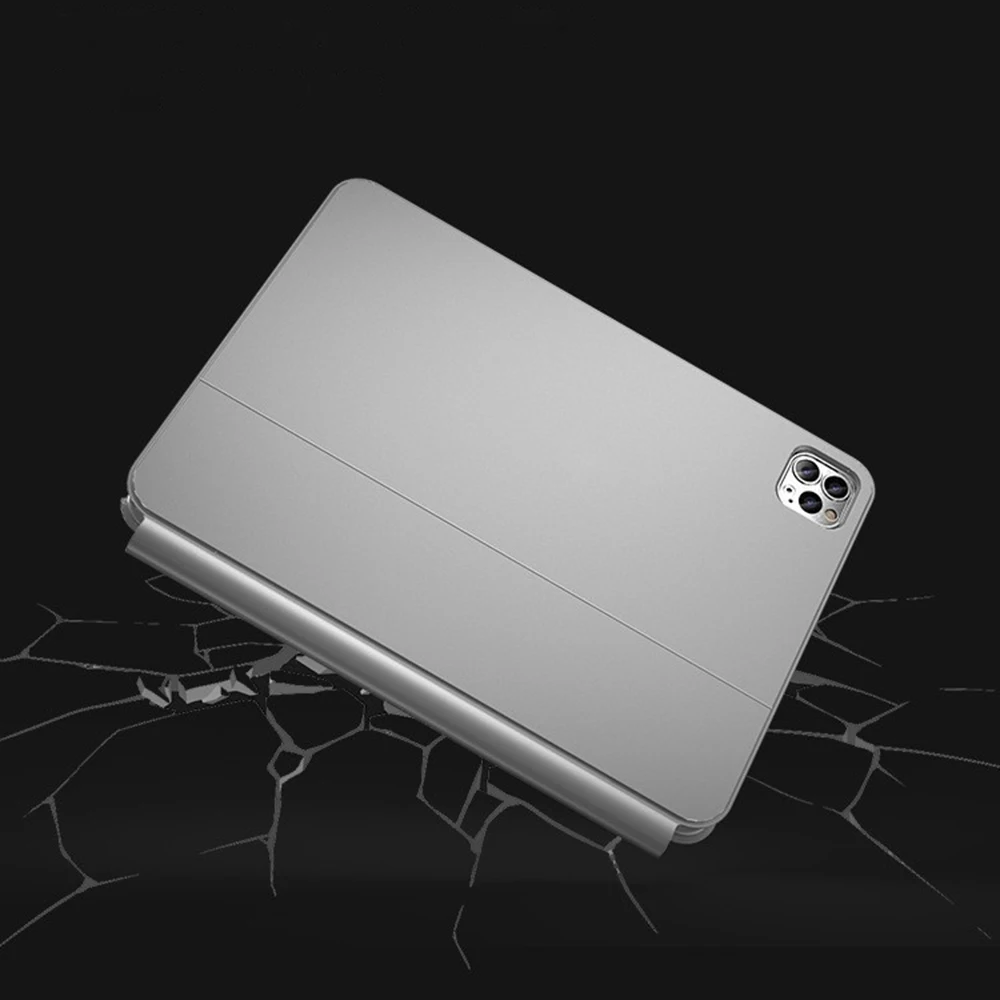
iPad Magic Keyboard Case - Smart Magnetic Folio with Trackpad
iPad Magic Keyboard Case - Smart Magnetic Folio with Trackpad
無法載入取貨服務供應情況
SPECIFICATIONS
2025 New Upgrade: Smart Magnetic Book Cover
Apply For: ipad a16 case,ipad 10th generation case
Backlight Touchpad: iPad Case
Battery Included: Yes
Bluetooth Support: Yes
Brand Name: READYYEAH
Certification: CE
Choice: yes
High-concerned chemical: none
Keyboard Language 1: Portuguese Keyboard
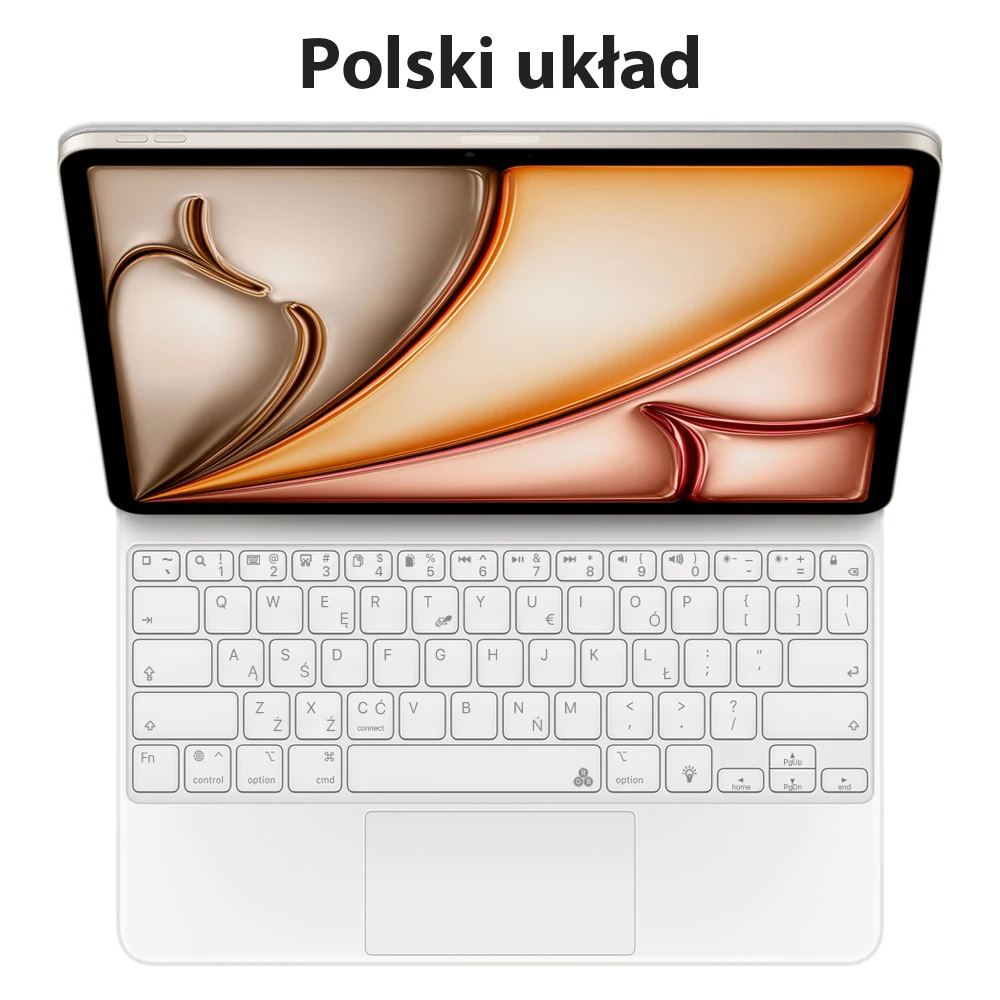
Keyboard Language 10: Polish Keyboard
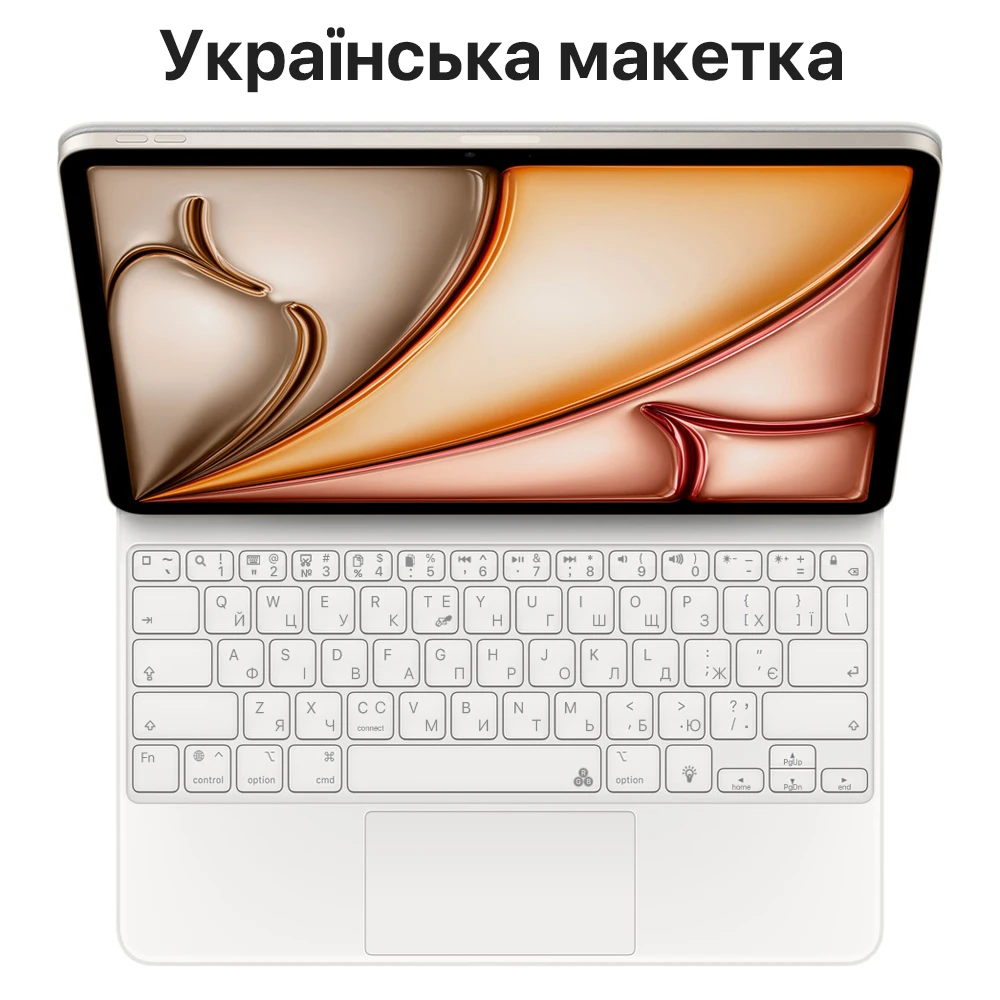
Keyboard Language 11: Ukrainian Keyboard
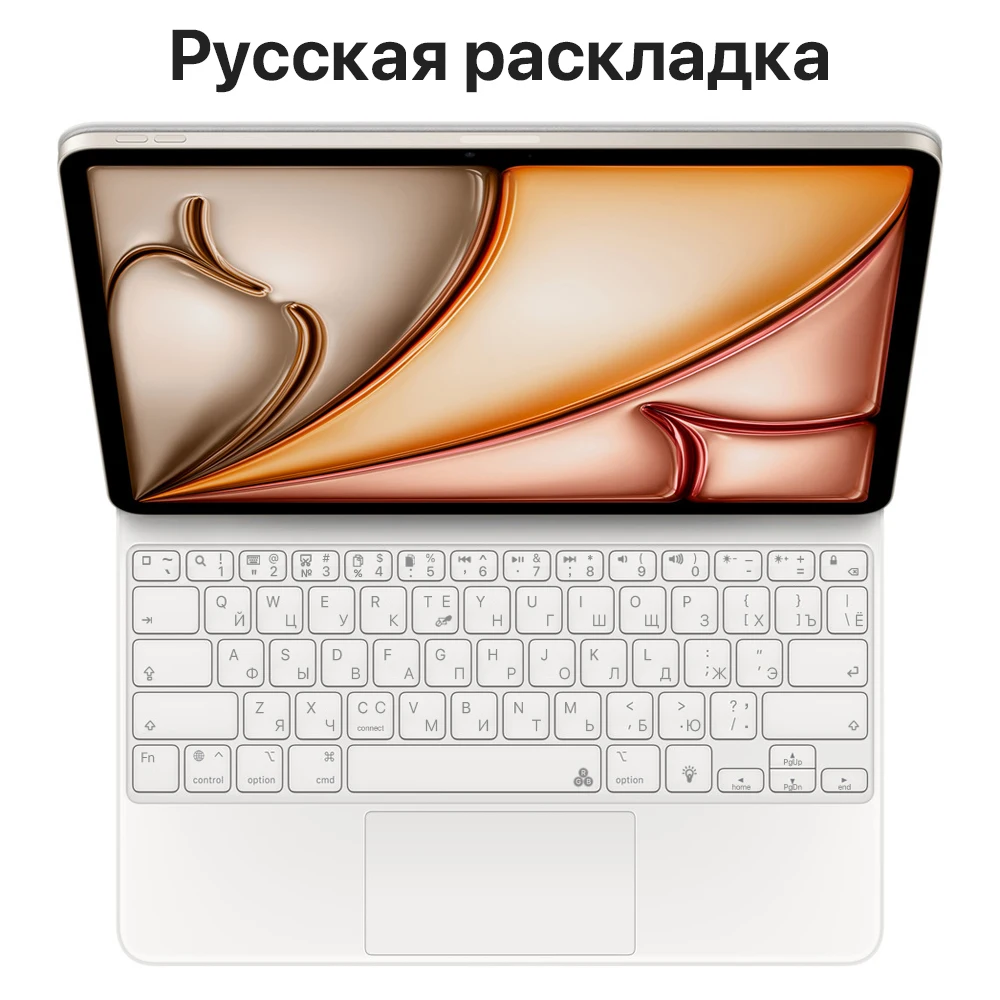
Keyboard Language 12: Russian Keyboard
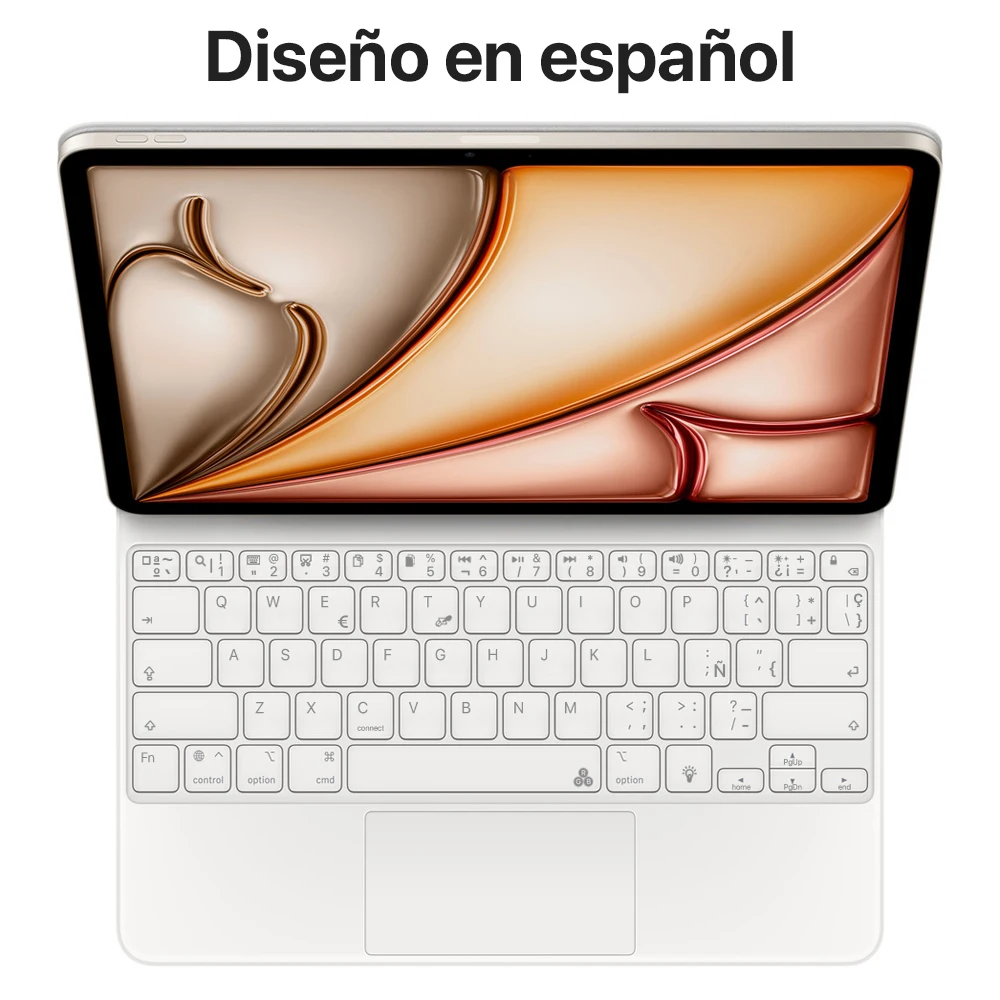
Keyboard Language 2: Spanish Keyboard
Keyboard Language 3: English Keyboard
Keyboard Language 4: Arabic Keyboard
Keyboard Language 6: German Keyboard
Keyboard Language 7: Hebrew Keyboard
Keyboard Language 8: French Keyboard
Keyboard Language 9: Korean Keyboard
Language: Arabic,Portuguese,Spanish,English,Russian,German,French,Korean
Model For: A2696 A2757 A2777 A3162,A3354 A3355 A3356
Multi-touch Trackpad: Rechargeable Keyboard
Origin: Mainland China
PogoPinSupport: No
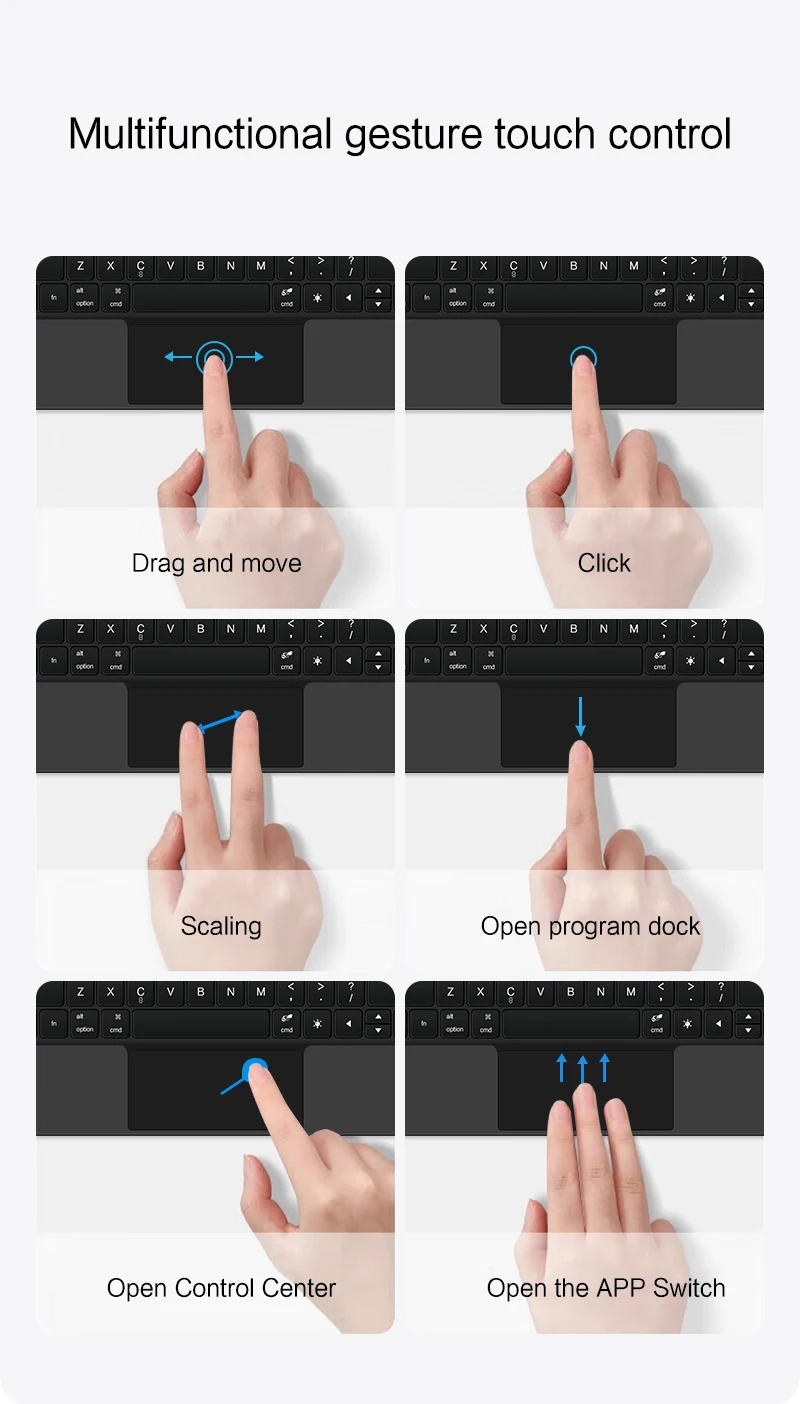
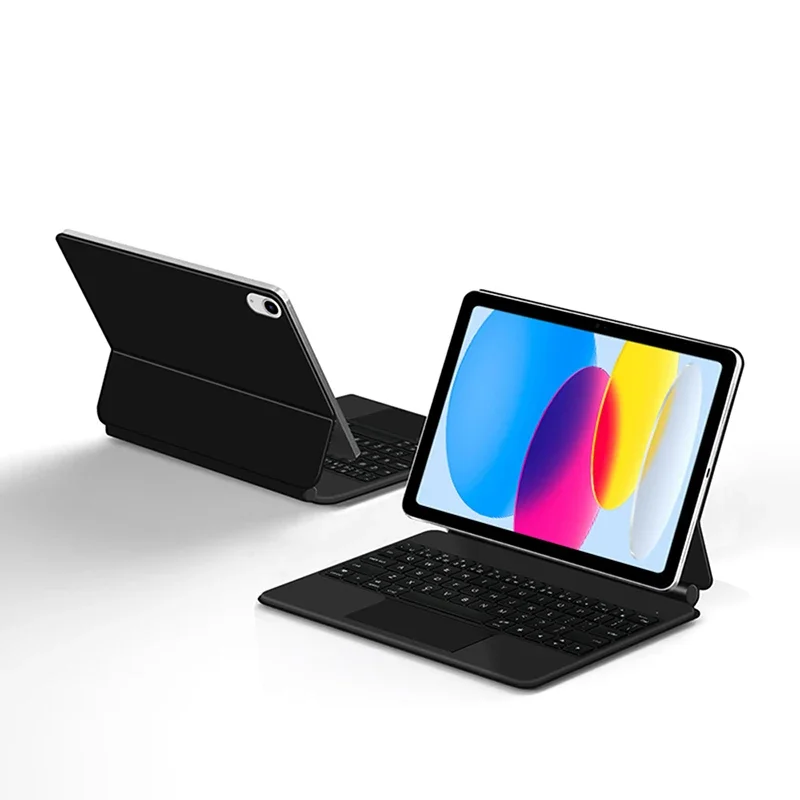
For iPad A16 11th Gen 2025/ iPad 10th Generation Magic KeyboardMagnetic adsorption, backlight, touch panel, multi angle support、Wireless Bluetooth connection
Note 1:You need to upgrade the system to version 15.0 or higher to use the touchpad.
Note 2:Please check in the size and detail model of your Tablet. it is very importtant ! ! !
Note 3:After Open the Power, Please Click "Fn" and "C" 【Fn+C】Button Together to Open the Keyboard's Bluetooth. It is Very Important.
Product Details:
1. Number of buttons: 64
2. Battery: Lithium battery 500mAh
3. Stand-by time: 150 days
4. Working Time: 5 hours (with backlit on),120 hours (with backlit off)
5. Working Voltage: 3.0 - 4.2V
6. Charging current:<250 mA
7. Effective distance: 10 meters
8. Backlit Light: 7 colors backlit
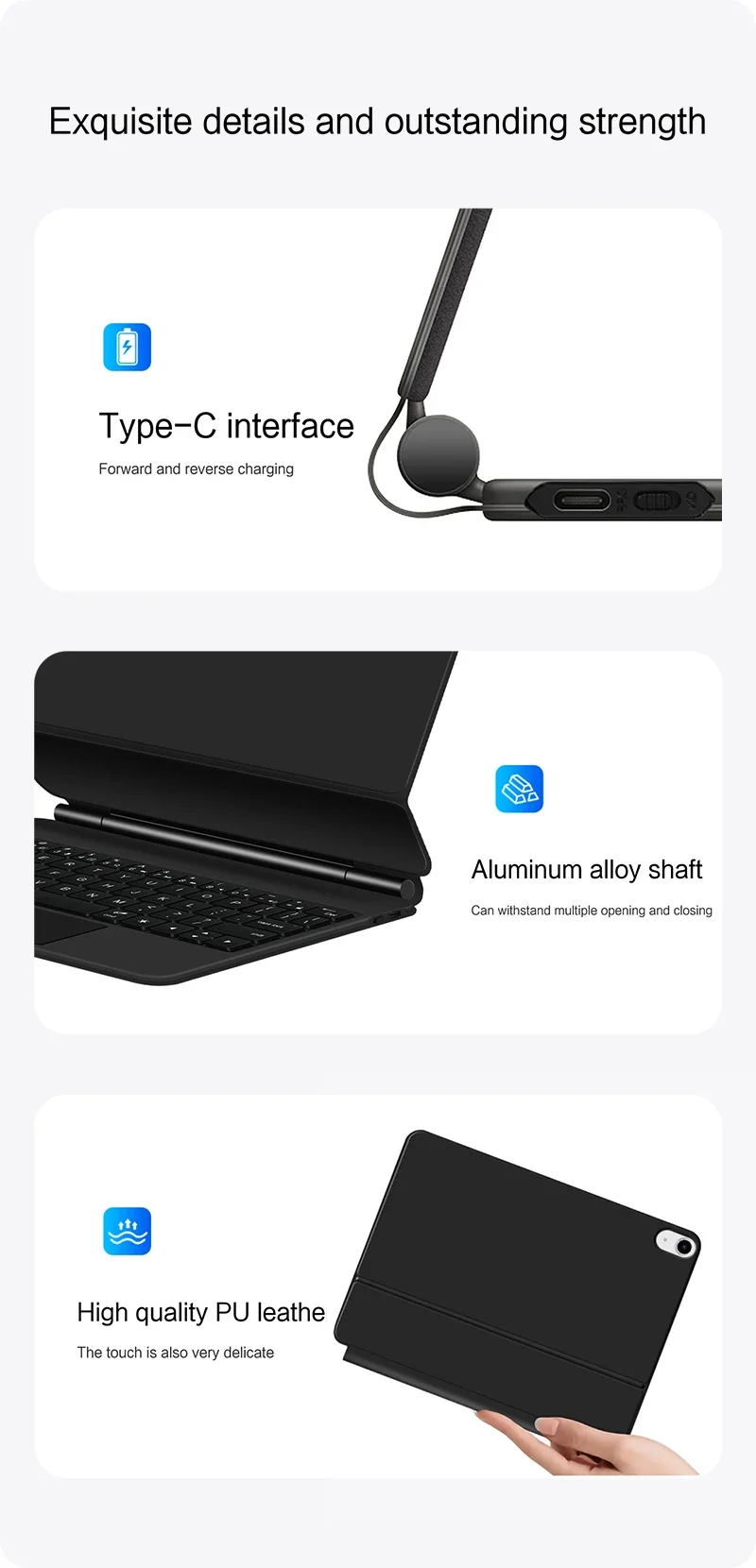
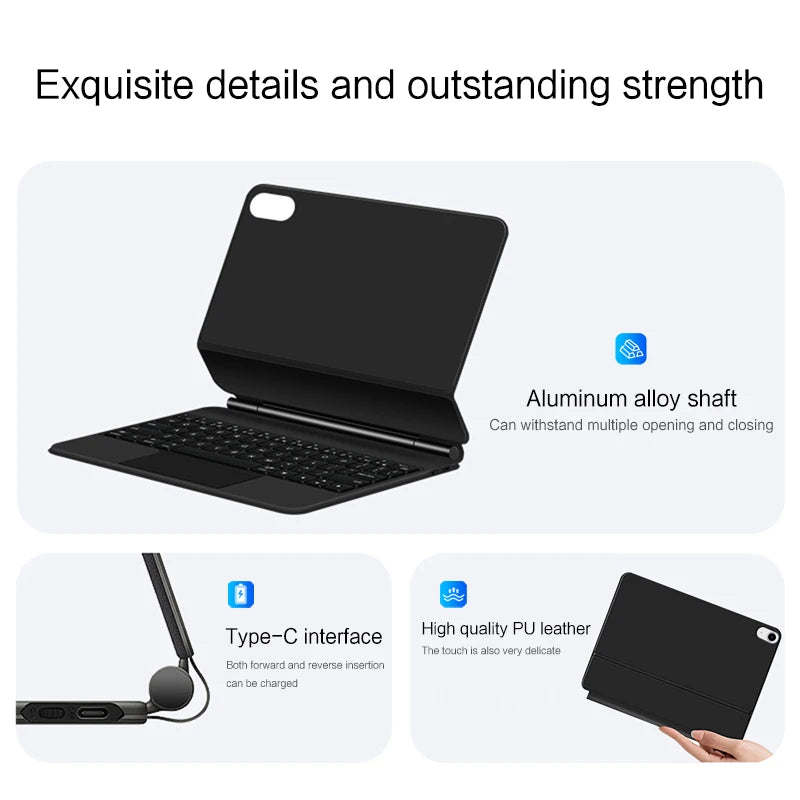
9. Charge Port: Type-c
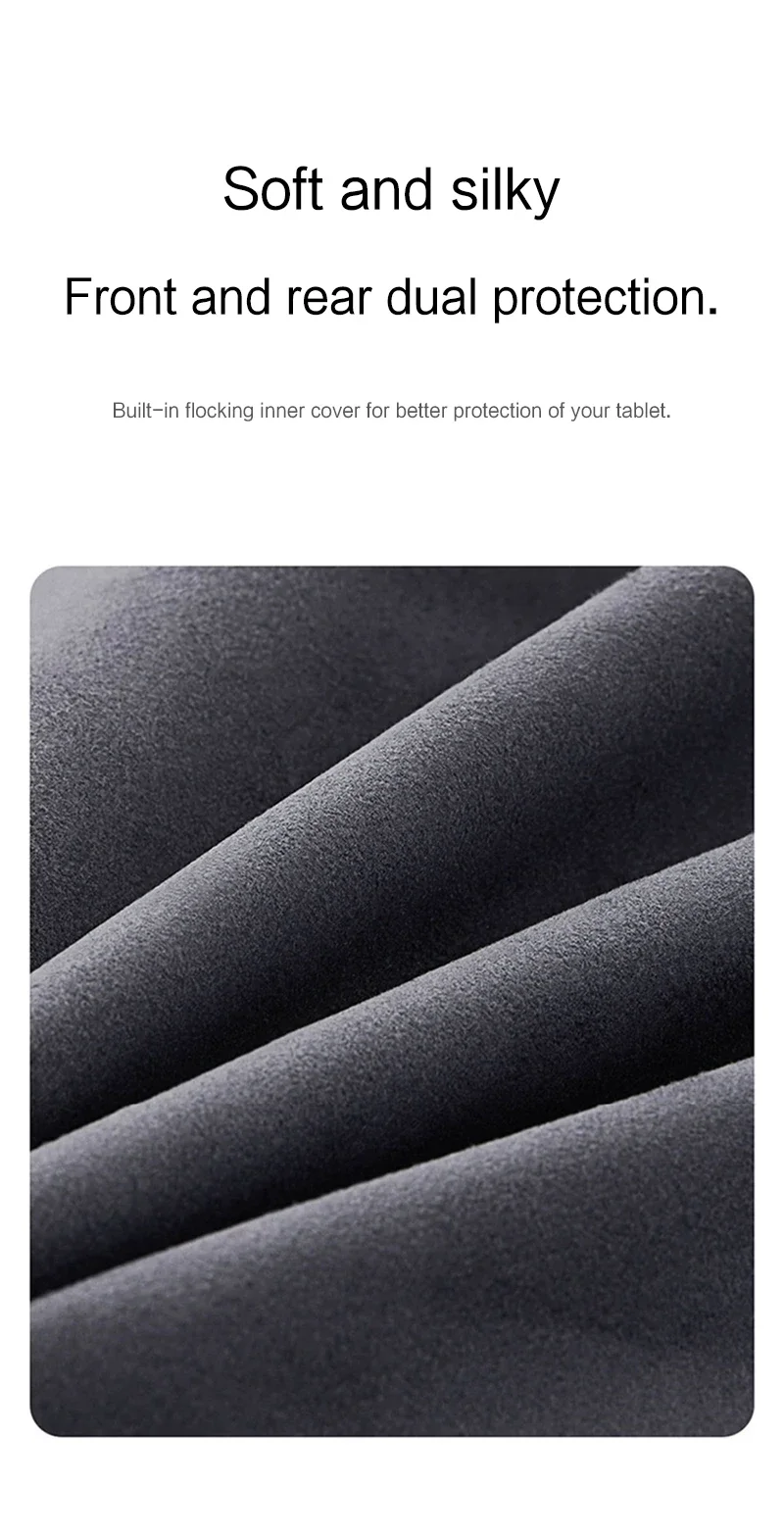
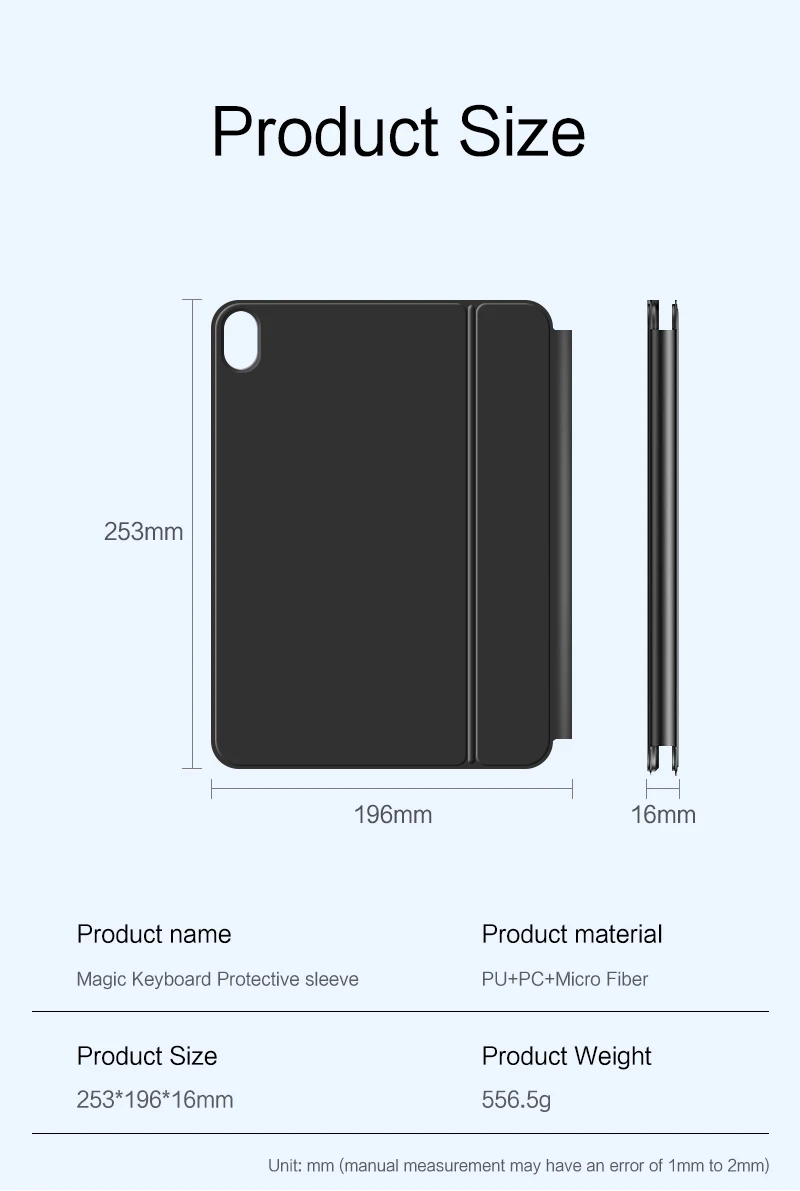
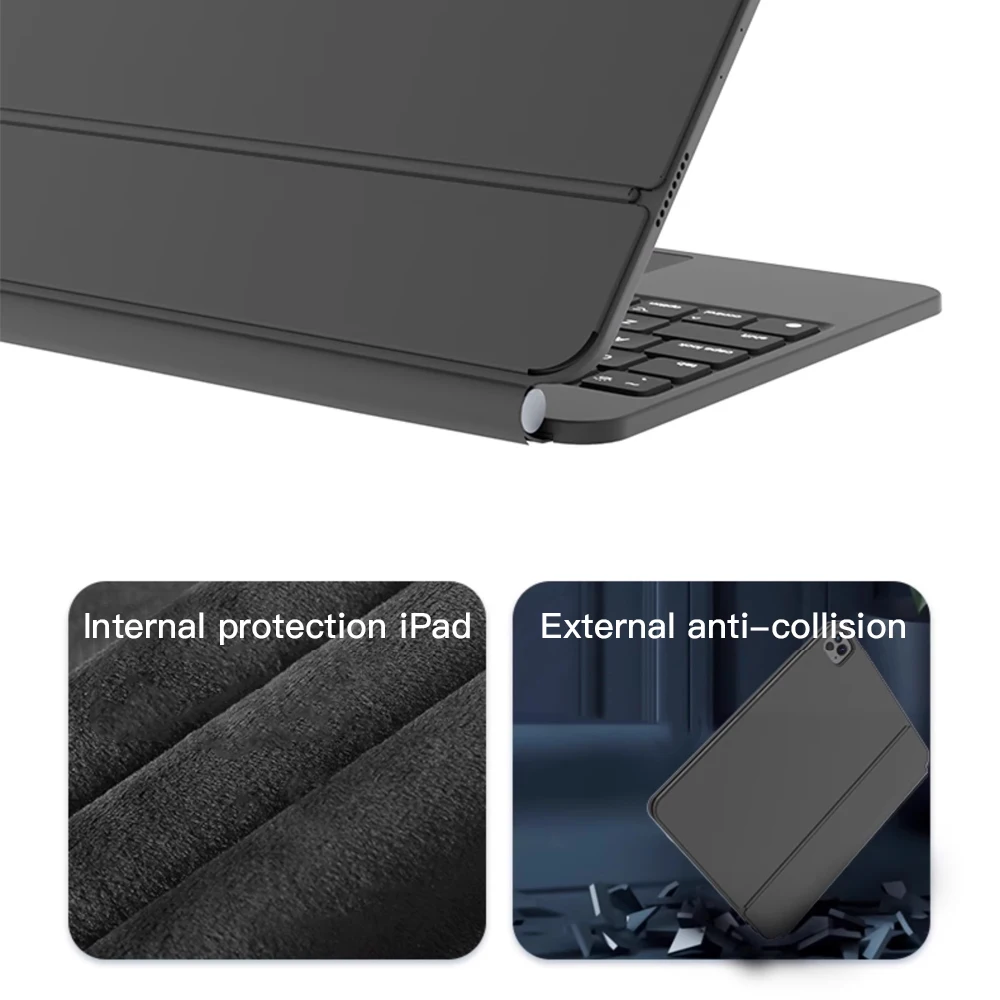
10. Material: Anti fouling and durable PU material
11. Key life:3 million
12. Charging times: 4 hours
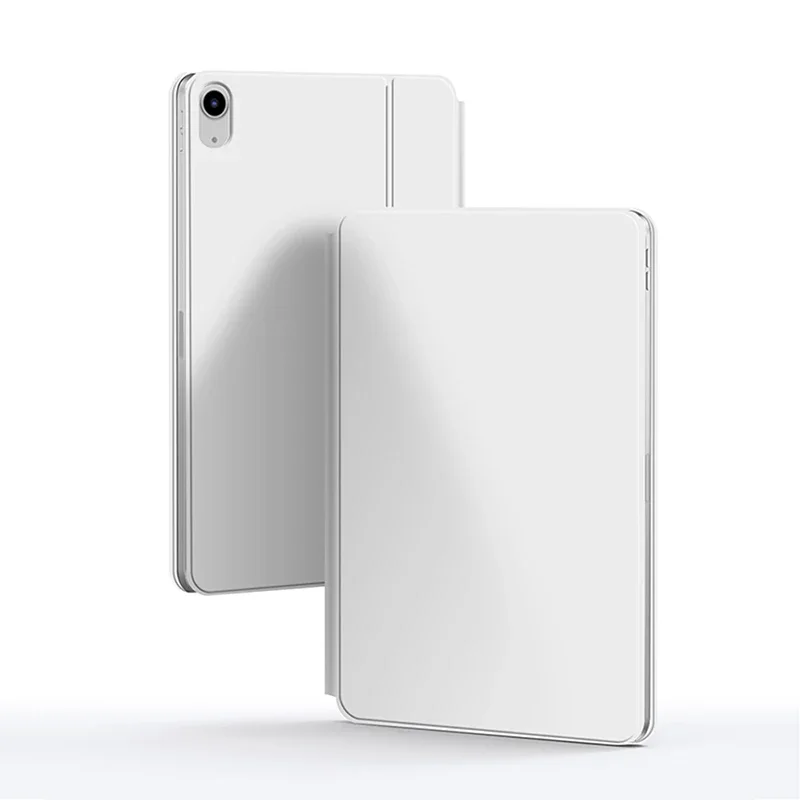
13. Color: Black 、White、Pink、 Purple
Note: If you experience delays in the touchpad or unstable Bluetooth connection while using the keyboard, please check your iPad system to see if it has been upgraded to the latest version
注意:如果您在使用键盘的时候,触控板出现延迟,或者蓝牙连接不稳定的情况,请检查您的iPad系统,是否升级为最新版本了,只需要更新最新版本即可正常使用。

How To Verify Your Tablet Model
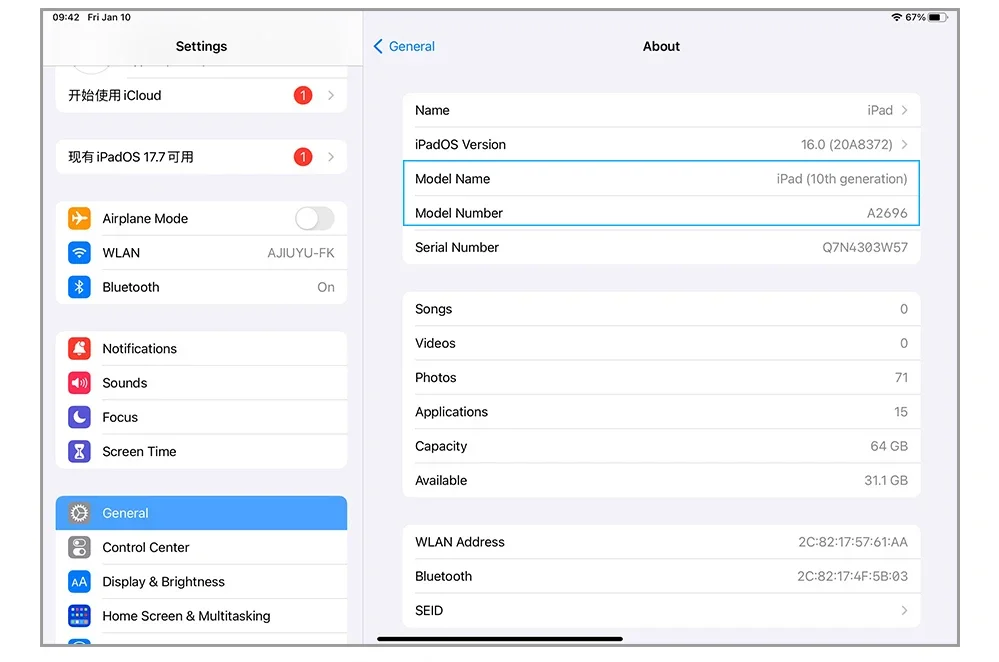
1.Turn iPad tablet to the back find your specific model,Par exemple: A****
2.Find the "Settings"--Click the "About"--Find the "Model"
3.Please select the correct model number for your tablet purchase after viewing it.
Note:Only the corresponding machine model can be magnetically attracted!!!
Applicable Models:
For iPad 10th Generation 2022 10.9 inch(Model:A2696、A2757、A2777、A3162)
For iPad A16 2025 11th Generation 11 inch(Model:A3354、 A3355、 A3356)
Note: These two models of keyboard covers are universal,Other models cannot be used.
If the model label on the product packaging box you received says iPad 10 or iPad A16, it is correct and not sent incorrectly.
Attention Please
English versionkeyboard : There are English letters on the keyboard only.
Multi-language versionkeyboard : English letters and carved language letters together.
【For example, if you choose French, the keyboard will display English and French letters. Please note that the same letters will not be engraved repeatedly】
(Due to the difference in the number of keyboard keys compared to a normal office keyboard, some special character engraving positions are the same, which is a normal phenomenon)
The keyboard Core defaults to English, and the characters engraved on the keyboard are only a Surface display.so in some countries, even if the input method is switched, the special symbols do not necessarily match the keyboard function layout(You can hold down the Shift or option combination).
Note Due to the material of the white keyboard, the engraved letters are dark gray.【The pictures are for reference only】


【Note】Bluetooth connection method: Turn on the keyboard switch, then hold down Fn+C for about 2-3 seconds to start Bluetooth, then turn on your tablet Bluetooth device, search for" Keyboard",and click connect to connect 。
Note: If you do not use the keyboard for a long time, the keyboard will enter sleep mode and Bluetooth will automatically disconnect.
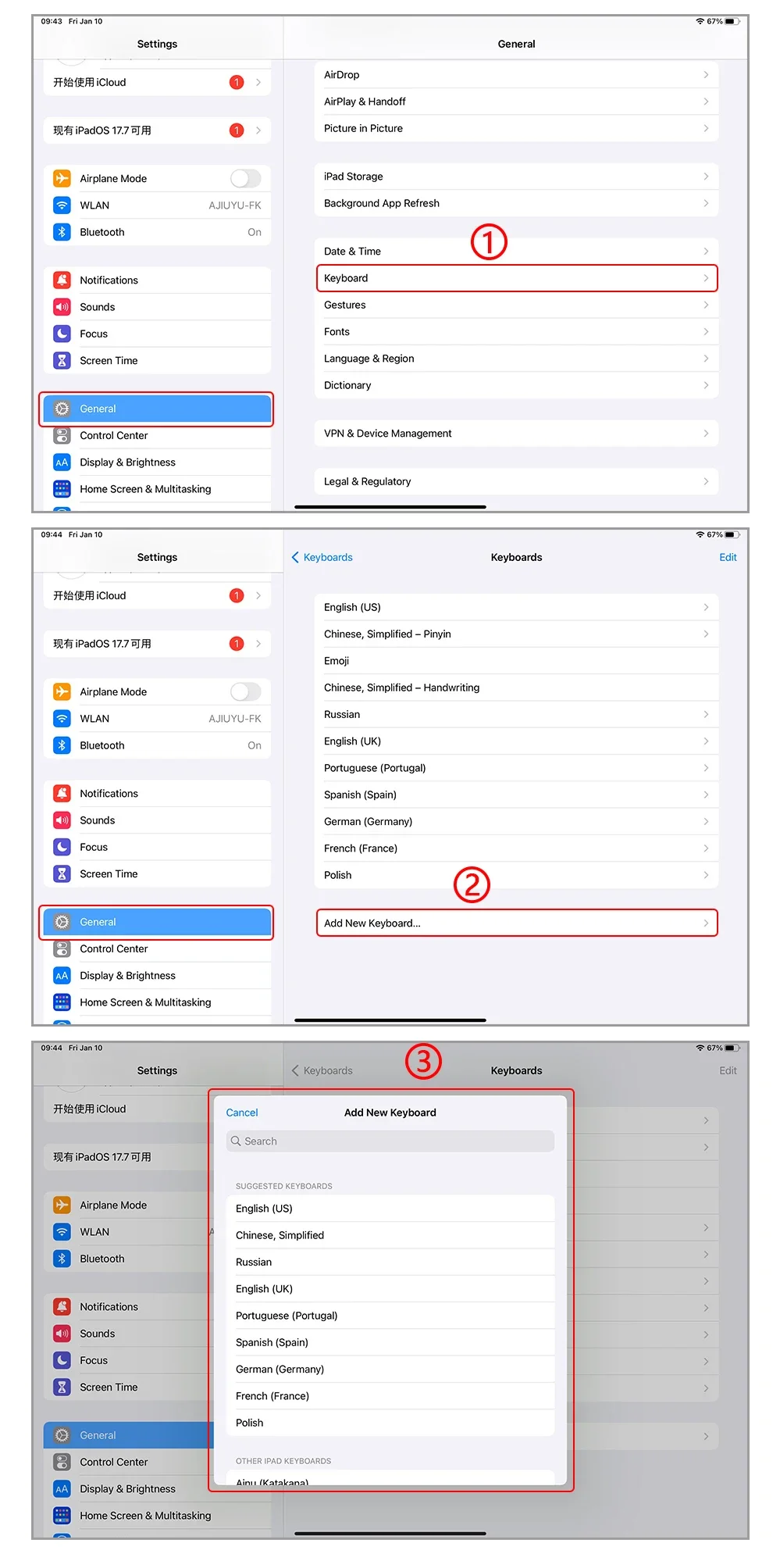
【1】1. After connecting Bluetooth, open your iPad - Settings - Keyboard - Add New Keyboard
【2】Input method switching: control+spacebar.(Choose the language you need)
【3】For detailed instructions, please read the user manual. If you have any questions, you can contact "Online Services" for consultation .
The resolution of the machine is different, and there may be color differences in the images, which is a normal phenomenon. The actual product received shall prevail .
Note:Due to the large size of the tablet, if the keyboard angle is adjusted too much during use, the keyboard may tilt. This is a normal situation, please do not panic, just adjust the keyboard amplitude, and it will not affect use.

Note: Tablet and Pencil are not included in the packaging~